How to reduce risk, error and head hours running client ad accounts in 2026
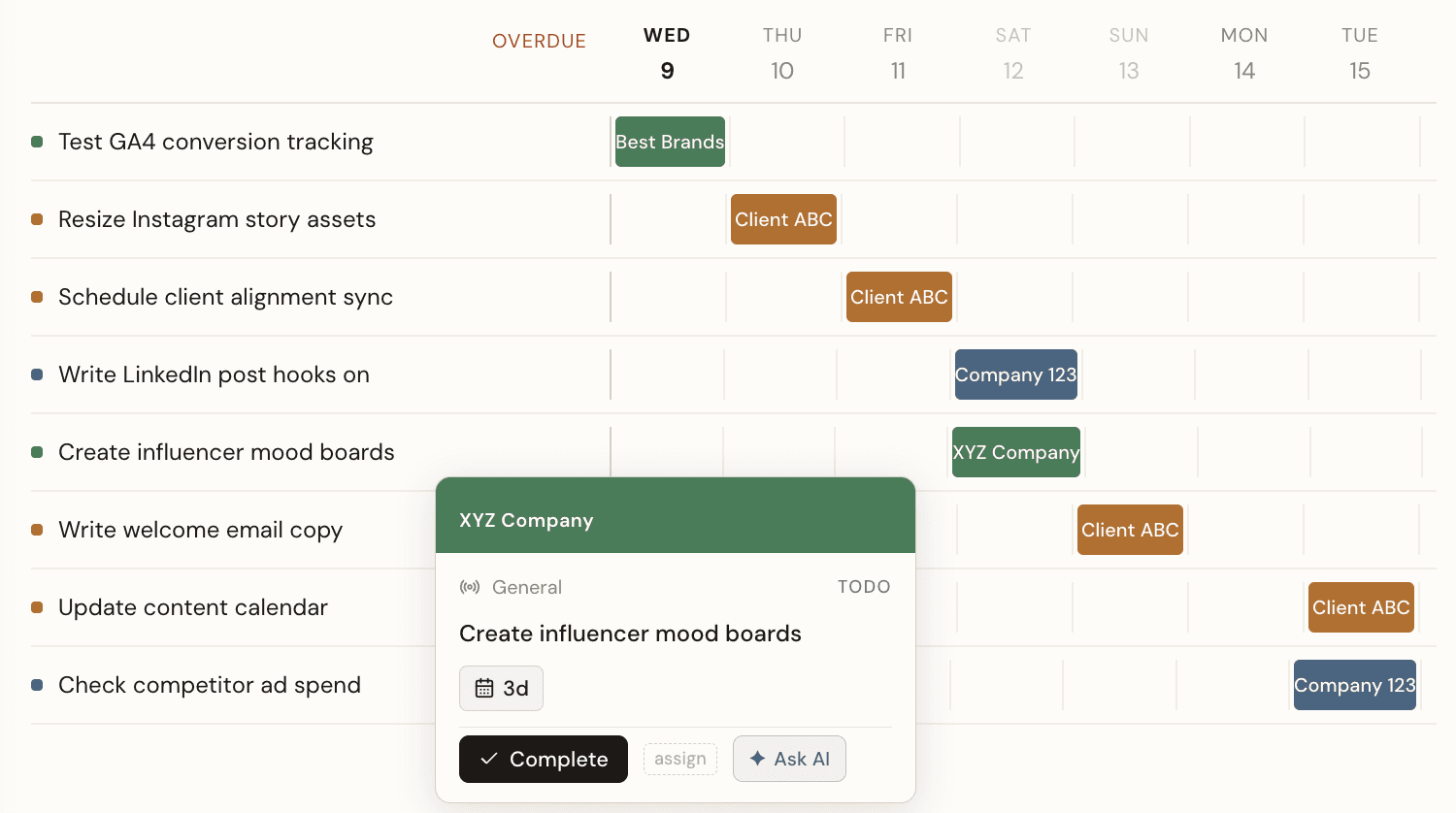
The reliable way to reduce risk in client ad accounts is to stop relying on people remembering to check things. Every expensive campaign error shares one trait: it was technically visible, but nobody happened to look at the right moment.
Below are eight changes that move checks from human memory into a system. They're ordered roughly by how much risk they remove per hour of setup.
1. Connect the media plan to live spend data
Most agency risk comes from a single structural gap: the plan lives in a spreadsheet, and the campaign lives in an ad platform, and nothing connects them.
A spreadsheet cannot see a campaign. So the moment budgets go live, the plan starts drifting — a channel launches late, a client moves budget mid-flight, a daily budget gets set where a lifetime budget was intended — and none of it writes back.
Every downstream number inherits that drift: your pacing, your reporting, your invoice.
Connecting Google Ads, Meta and GA4 to the plan means budget variance is calculated rather than reconciled. It's the single highest-leverage change on this list because it removes an entire recurring manual task instead of speeding it up.
2. Forecast end-of-flight spend, don't just report spend-to-date
"We've spent $27,000 of $37,000" tells you nothing. "At current run rate we'll finish $4,100 over" tells you what to do today.
Spend-to-date is a backwards-looking number. It's only actionable when you compare it to where the plan said you'd be on this specific date, and project forward at the current run rate.
That projection is what converts a month-end problem into a Tuesday adjustment. See pacing and overpacing and underpacing for how the thresholds work.
3. Schedule health checks per channel, not per person
A launch checklist in a shared doc is a suggestion. A dated, assigned, recurring task is a control.
The difference matters because checklists fail under load — and load is exactly when errors happen.
Two task types cover most of it:
- Set-up checks, dated backwards from go-live. "Verify conversion tracking — 10 days before launch."
- Health checks, recurring weekly for the life of the flight. "Confirm the Meta Pixel is still firing on key conversion events."
The second type is the one most agencies skip, and it's where the silent failures live. A pixel that worked at launch and stopped in week three produces a perfectly normal-looking dashboard.
In PlanPulse these generate automatically from the plan itself — add a channel, and its action points come with it.
4. Alert on anomalies against a rolling baseline
A fixed CPA target catches the wrong things. A rolling baseline catches the right ones.
If your alert threshold is "tell me when CPA exceeds $9", you get alerted on every normal weekend fluctuation and you learn to ignore it. Meanwhile a campaign whose CPA doubled from $3 to $6 — a genuine emergency — never trips the alert at all.
Comparing against a rolling baseline of the account's own recent behaviour flags the second case and stays quiet about the first. We covered the mechanics in catching CPA and spend anomalies.
5. Standardise the setup errors you already know about
The same five or six setup mistakes cause most pacing failures, across every agency.
They're documented, they're predictable, and they're therefore checkable:
- Daily vs. lifetime budget mix-ups — the most common overspend cause
- Geotargeting set to "presence or interest" when you meant "presence"
- Destination URLs broken by a site migration
- Conversion events renamed or deduplicated
- Dayparting conflicts between campaign and account level
- Attribution window mismatches between platforms
Turning that list into a reusable per-channel template — rather than a doc someone reads once — is what makes it hold. Full detail in the setup mistakes that quietly break pacing.
6. Automate the surveillance, keep the judgement
AI is good at reading every account every morning. It isn't good at deciding what a client relationship can absorb.
Split the work accordingly.
Give the machine the surveillance: read all accounts, compare to plan, flag drift, list overdue checks, summarise into one briefing. That's a task humans do badly because it's repetitive, high-volume and easy to skip under pressure.
Keep the judgement: whether to shift budget, how to frame it to the client, whether an underpace is a problem or a deliberate hold. That's the part with actual expertise in it.
A daily AI briefing that lands in Teams or email each morning does the first half, so your first decision of the day is informed rather than discovered.
7. Generate reports and invoices from the data that already exists
Rebuilding a monthly report by hand is re-entering data you already have.
The report has to exist — clients need it. But the hours go into extraction and formatting, not analysis. Exporting from each platform, pivoting it together, rebuilding the same deck, then separately reconciling spend for the invoice.
If spend and performance are already syncing against the plan, both outputs are derivable. Net, commission and gross for the exact campaign period, calculated off actual spend, rather than reconstructed at month end. That's the invoice generator and PDF export doing the assembly.
8. Make account status answerable without opening four platforms
"How is this client doing?" should take ten seconds, not ten minutes.
The ten-minute version — open each ad account, check pacing, check the task list, check whether anything looks odd — is the hidden tax on multi-account management. It's paid per client, per week, by your most expensive people.
One dashboard showing spend against budget, plan timeline completion and pacing flags for every account removes it. So does being able to ask a question in plain English and get the answer without navigating anywhere.
Where the hours actually go
Worth being precise about which work is automatable, because not all of it is.
| Recurring task | Why it takes time today | Automatable? |
|---|---|---|
| Pacing checks | Manual comparison of platform spend against a spreadsheet | Yes — calculated continuously |
| Setup verification | Depends on someone remembering, per channel, per launch | Yes — scheduled action points |
| Spotting anomalies | Requires noticing a deviation you weren't looking for | Yes — rolling baseline alerts |
| Monthly reporting | Export, pivot, rebuild, format | Mostly — assembly automates, commentary doesn't |
| Invoice reconciliation | Matching planned vs. actual spend by hand | Yes — derived from synced spend |
| Budget reallocation decisions | Requires client context and judgement | No — and shouldn't be |
| Strategy and optimisation | Requires expertise | No |
The pattern is consistent: surveillance and assembly automate; judgement doesn't. Agencies that cut hours successfully in 2026 aren't replacing account managers — they're removing the clerical load that stops account managers doing the work they're actually good at.
Start with the one that removes a whole task
If you only do one thing from this list, do the first. Connecting the plan to live spend data doesn't make manual reconciliation faster — it deletes it, and takes the pacing checks, invoice reconciliation and reporting assembly with it.